OMG I’ve never thought someone would ask me to do a coloring tutorial I feel honored and blessed ; ^ ; here’s my step by step process, hope it helps you Anon!
I only draw on SAI and basically use this tool for almost everything, both lineart and coloring. I just lower density if I need to blend colors more:
Once I’m done with flat colors I create a clipped layer over the lineart to change some colors. I usually do it for the skin/hair details and always use a darker shade of the original flat color.
For the shading I was used to set the clipped layer mode to multiply and lower the opacity to 50%. But I’ve started to use a different tool lately and honestly I like the effect better so I just use this one leaving the opacity at full 100%. I tend to use only one color for shading plus a different/pinkish shade for cheeks, according to the character’s skin tone:
I don’t blur the cheeks very often but here’s the tool I use when I do it
To highlight I honestly use both the Screen and Luminosity layer modes, it depends on which one I think it’s best for each work >< use a similar or lighter shade of the flat color if you’re using Screen and a darker shade if you’re using Luminosity. I used the luminosity mode for this one (with the marker tool)
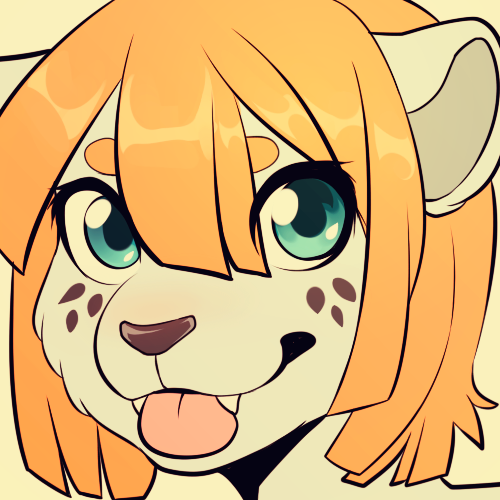
And that’s it! You can merge all the layers and create another clipped layer to shade a little bit more and you’re done!
Hope you’ll find it helpful and thank you so much for appreciating my work! ♥


 ~My Tumblr Back-Up And Stuffs~